What Is MABD? Must Arrive By Date, the Walmart Window and How to Hit It
MABD is the delivery deadline a retailer prints on a purchase order. Here is what it means, how Walmart scores it, how it differs from OTIF and how to plan a shipment backward from the date.

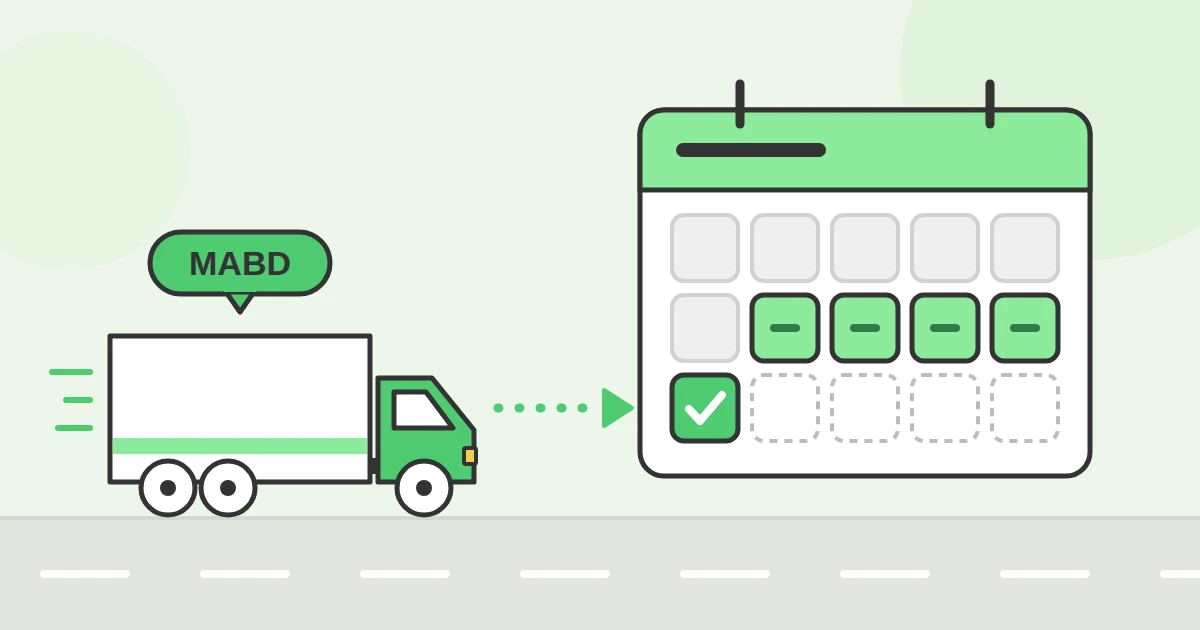
MABD stands for must arrive by date. It is the date on a retailer's purchase order by which your shipment has to arrive, usually at the retailer's distribution center. The term is best known from Walmart, where the MABD decides whether a delivery counts as on time. At Walmart it is the last day of a short delivery window, and a truck that arrives before the window opens misses it just like a truck that arrives after it closes.
Carriers explain MABD to sell guaranteed transit. This guide is written from the dock: what the date means, what it costs to miss it and what the shipping and receiving warehouses each have to do so that the truck arrives inside the window.
What does MABD stand for?
MABD stands for must arrive by date: the date a retailer expects a supplier's merchandise to arrive at its store, warehouse or other facility. Retail consultancy 8th & Walton notes that, depending on the retailer, it can be a specific date, a desired date or a window of days.[1]
Three details trip people up. For most suppliers the date refers to arrival at a distribution center, not at a store. It belongs to one purchase order, so two orders on the same truck can carry different dates. And it is a deadline for arrival, not a ship date: the retailer does not care when the load left your dock.
You will see it written as "MABD", "MABD date" (which repeats the word date) or "must-arrive-by date" on purchase orders, routing guides and carrier quotes. Carriers use it too: an LTL (less-than-truckload) quote that mentions MABD service usually means the carrier commits to a delivery day instead of an estimate.
What does MABD mean at Walmart?
At Walmart, every purchase order carries an MABD, and that date decides whether the delivery counts as on time for the retailer's On Time In Full (OTIF) program, according to EDI provider SPS Commerce, which publishes guidance for Walmart suppliers.[2]
The MABD is the last day of a delivery window, and the window is not the same length on every order. SPS Commerce lists four window types:[2]
- MABD: the product must be delivered on the exact date.
- MABD-1: on the MABD or one day before.
- MABD-2: on the MABD or up to two days before.
- MABD-3: on the MABD or up to three days before.
Which window applies depends on how the freight moves: the delivery type, the part of Walmart's network it is going to and the transport mode. The purchase order and Walmart's routing guide tell you which one you have. Do not assume the widest.
A miss counts in both directions: a delivery that lands before the window opens is treated as non-compliant, the same as one that lands after the MABD.[3]
Missing the window costs money. SPS Commerce's supplier guidance, last updated in August 2025, reports an on-time target of 90% for orders where the supplier arranges the truck, and a charge of 3% of the cost of goods on the non-compliant cases.[3] Retailers revise these numbers, and Walmart's own rules sit behind its supplier portal, Retail Link. Treat any public figure, including these, as a snapshot and confirm it there.
What is the difference between MABD and OTIF?
MABD is a date on one purchase order. OTIF is a score across all of them. The MABD tells you when one order has to arrive; OTIF tells you what share of your cases arrived inside their window and complete.
| MABD | OTIF | |
|---|---|---|
| What it is | A deadline | A performance score |
| Applies to | One purchase order | Every case shipped in a period |
| Measures | Timing only | Timing and quantity |
| Where you find it | On the purchase order | On the retailer's supplier scorecard |
| What you do with it | Plan the shipment backward from it | Review it, find the causes of misses, dispute wrong ones |
The MABD is the yardstick for the "on time" half of OTIF. It says nothing about the "in full" half. An order can arrive inside its MABD window and still fail OTIF because 40 of 500 cases were short.
Companies can measure "on time" against several dates, and the retailer's requested date is the one most of them pick. In a survey of 24 retailers and manufacturers that McKinsey and the Trading Partner Alliance published in 2019, 67% preferred the requested ("must arrive by") date.[5] Our guide to how OTIF is calculated covers the formula and the choices behind it.
How is the MABD different from the ship date, cancel date and delivery appointment?
The MABD is the retailer's deadline for arrival. The other dates on an order describe when the load leaves, when the order expires, or the exact slot the truck is booked into.
| Term | What it means | Who sets it |
|---|---|---|
| MABD | The last day the shipment may arrive at the retailer. | The retailer, on the purchase order |
| MABD window | The days on which arrival counts as on time. At Walmart it ends on the MABD and opens zero to three days earlier.[2] | The retailer |
| Ship date | The day the load leaves your dock. Work it out backward from the MABD and the carrier's transit time. | You |
| Cancel date | On purchase orders that carry one, the date after which the retailer may cancel the order. Some retailers count it against shipping and others against arrival, so check the vendor guide. | The retailer |
| Delivery appointment | The day and time slot the truck is booked into at the receiving dock. It has to fall inside the MABD window. | Whoever arranges the freight, with the distribution center |
The last row is the one that decides the outcome. The MABD works in days; the dock works in minutes. A distribution center books trucks into slots, and a truck that shows up hours outside its slot can be turned away even on the right day.
What happens if you miss the MABD?
A shipment that arrives outside the MABD window counts against your on-time score with that retailer, and a score below the retailer's target leads to a chargeback. At Walmart the charge is reported as 3% of the cost of goods on the non-compliant cases.[3] Other large retailers run their own versions under different names (delivery window, requested arrival date) and with their own rates. Those rates change, so the retailer's current vendor guide is the only reliable source.
The chargeback is only the visible cost. A truck that is refused or has to be rescheduled waits for the next free appointment, and waiting time is billed as truck detention. On a collect order, a carrier that arrives at your dock and finds the load not ready can bill a TONU (truck ordered, not used) fee for the wasted trip.
Does arriving early count as missing the MABD?
Yes, wherever the retailer defines a window. At Walmart, a delivery that lands before the window opens is non-compliant in the same way as a late one.[3]
Early freight costs the receiver space and doors. When Walmart started fining early loads in 2017, Bloomberg reported that the concern was overstocks.[4] Freight that arrives early takes up space the distribution center had planned for something else, and it takes up a door. McKinsey's 2019 paper puts the share of deliveries that arrive more than two hours before their appointment at about 25%.[5] Each one either waits in the yard or pushes a truck that was on time out of its slot.
So "ship it early to be safe" does not work. The safe plan is a booked appointment inside the window, with the buffer placed before the ship date, not at the delivery end.
Who is responsible for meeting the MABD on prepaid and collect orders?
It depends on who arranges the truck. On a prepaid order the supplier manages the whole shipment, including the carrier, and is scored on the cases arriving at the distribution center inside the MABD window. On a collect order Walmart arranges the pickup, and the supplier is scored on having the cases ready by the pickup appointment.[3]
For a collect supplier, the MABD turns into a pickup appointment at your own dock, and the collect-ready score is a pure warehouse number: was the load staged, wrapped and documented when the truck backed in?
How do you plan backward from an MABD?
Start from the window and work back to your own dock. The steps below are our practical advice, not a retailer rule.
- Read the window, not only the date. Find out whether the order allows delivery on the exact MABD or up to one, two or three days before it.
- Book the delivery appointment first. Appointment slots inside a short window run out. Ask for the slot as soon as the order is confirmed, and aim for a day before the MABD if the window allows it. Check how the receiver takes trucks too: a dock that works first come, first served behaves very differently from one that books slots, as our comparison of FCFS vs appointment scheduling explains.
- Subtract transit time. Use the carrier's real transit days for that lane, including the weekend if there is one in the way.
- Put the buffer before the ship date. A spare day is useful at your dock, where you control it. A spare day at the far end is an early arrival.
- Book your own loading slot. The ship date only holds if a door, a forklift and the staged load are all there when the truck is. Give the pickup a slot on your dock calendar like any other load.
- Record the timestamps. Note when the truck arrived, when loading started and when it left. If the carrier was late for pickup, that record is your evidence.
A worked example
An order has an MABD of Thursday and an MABD-2 window, so arrival on Tuesday, Wednesday or Thursday counts as on time. Transit on the lane is two days. You book a delivery appointment for Wednesday at 9 AM, which leaves Thursday in reserve if the receiver has to move you. The truck therefore has to leave on Monday. You book a Monday 10 AM loading slot on your own dock and stage the order on Friday afternoon. The illustration is ours; your transit times and window will differ.
What does the MABD mean for the warehouse dock?
A must-arrive-by date is met or missed at two docks: the one the truck leaves from and the one it arrives at.
At the shipping dock
The first failure point is the pickup. If the carrier shows up when every door is busy, or the order is still being picked, the load leaves late and the buffer is gone before the truck is on the road. A dock calendar fixes the unglamorous part. The carrier books a pickup slot through a carrier booking portal, and your team sees it the day before and stages the load. Arrival, start and finish times are recorded as the truck is checked in, loaded and released.
That is what LoadingCalendar does, for $99 a month flat with a 14-day trial and no card required. We schedule the dock. We do not read retailer purchase orders, file OTIF disputes or replace an EDI and retail compliance tool.
At the receiving dock
If you are the one printing must-arrive-by dates on orders, the window is only fair when there are appointments available inside it. A supplier who cannot get a slot until the day after the deadline will be late through no fault of their own. Publish your free slots so carriers can book them directly, decide what happens to trucks that arrive a day early, and record arrival times so that on-time disputes are settled with data. Our guides to the warehouse receiving process and to measuring on-time arrival rate show how to set that up.
Frequently asked questions
Sources
- 8th & Walton, "What Is Must Arrive By Date (MABD)?" (2021): general definition; MABD as a specific date, a desired date or a window of days depending on the retailer. 8thandwalton.com
- SPS Commerce, "OTIF: How To Meet Delivery Appointments" (updated May 2024): an MABD on each Walmart purchase order; the four delivery windows from MABD to MABD-3 days. spscommerce.com
- SPS Commerce, "Label, Pack, Ship: A Guide to Walmart Supplier Requirements" (updated August 2025): early and late deliveries both non-compliant; 90% on-time target for prepaid orders; 3% of cost of goods on non-compliant cases; prepaid and collect responsibilities. spscommerce.com
- Matthew Boyle, Bloomberg, republished by IndustryWeek, "Fined for Arriving Early? Wal-Mart Puts Its Suppliers on Notice" (July 14, 2017): early shipments fined because they create overstocks. industryweek.com
- McKinsey & Company with the Trading Partner Alliance, "Defining 'on-time, in-full' in the consumer sector" (June 2019): 67% of surveyed companies preferring the requested ("must arrive by") date; about 25% of deliveries arriving more than two hours before their appointment. mckinsey.com
Retailers publish their compliance rules in supplier portals that are not public, so the Walmart figures above are as reported by supplier guidance on the dates shown. They change. Check your purchase order and the retailer's current routing guide before relying on them. The Monday-to-Wednesday shipment is an illustration, not measured data.
You might also like
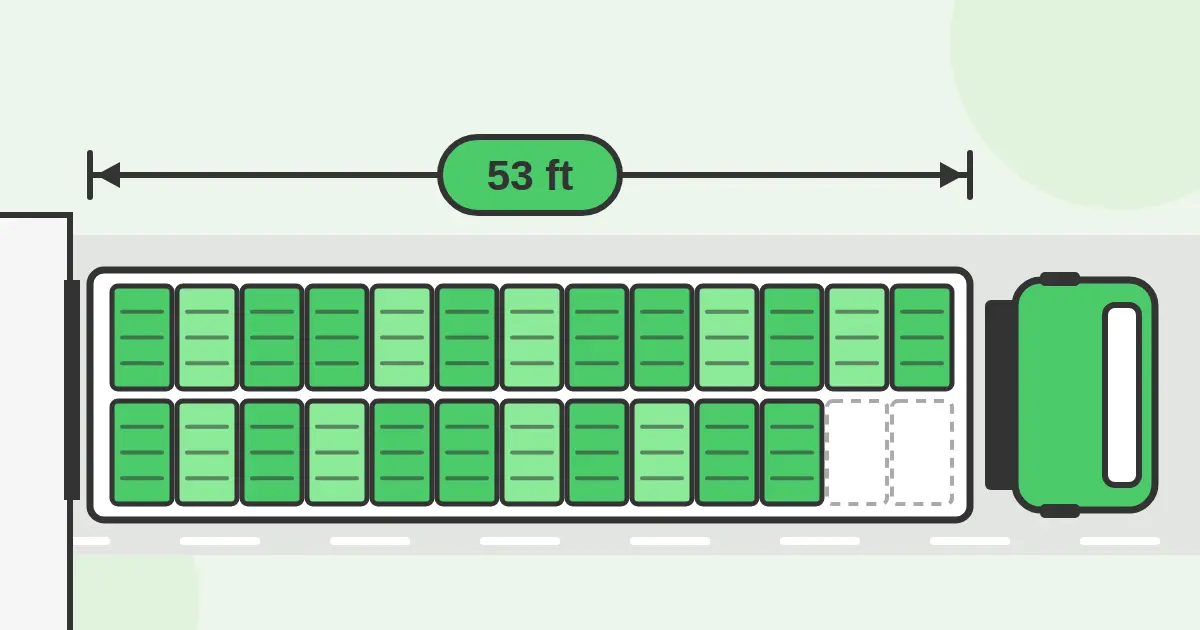
A 53-foot trailer fits 26 standard pallets loaded straight, 30 turned. Pallet counts for 48 ft vans, 20 and 40 ft containers, box trucks and euro pallets.

TONU means truck ordered, not used: a fee for cancelling a truck too late. What carriers charge, who pays and how shippers and warehouses avoid it.
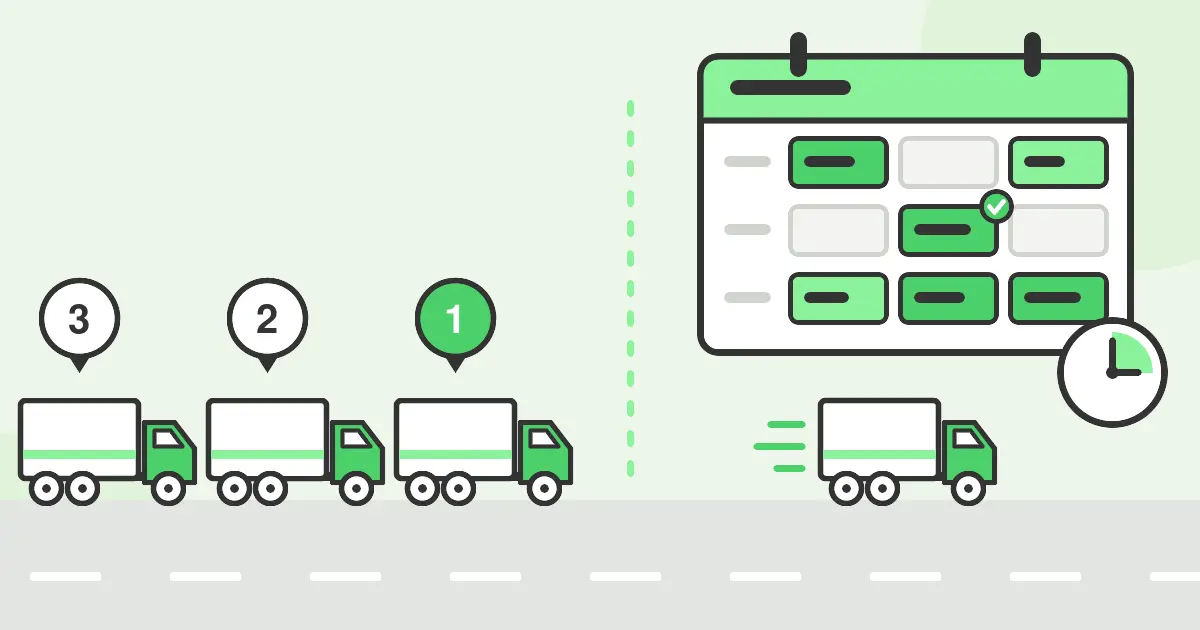
FCFS means first come, first served: trucks are worked in arrival order. How it differs from appointments, when detention starts and when to switch.
Ready for simpler warehouse scheduling?
Join warehouse teams across the world that replaced spreadsheets and phone calls with simple dock appointment scheduling software.
Start My Free Trial 14-day free trial · No credit card required · Cancel anytime