
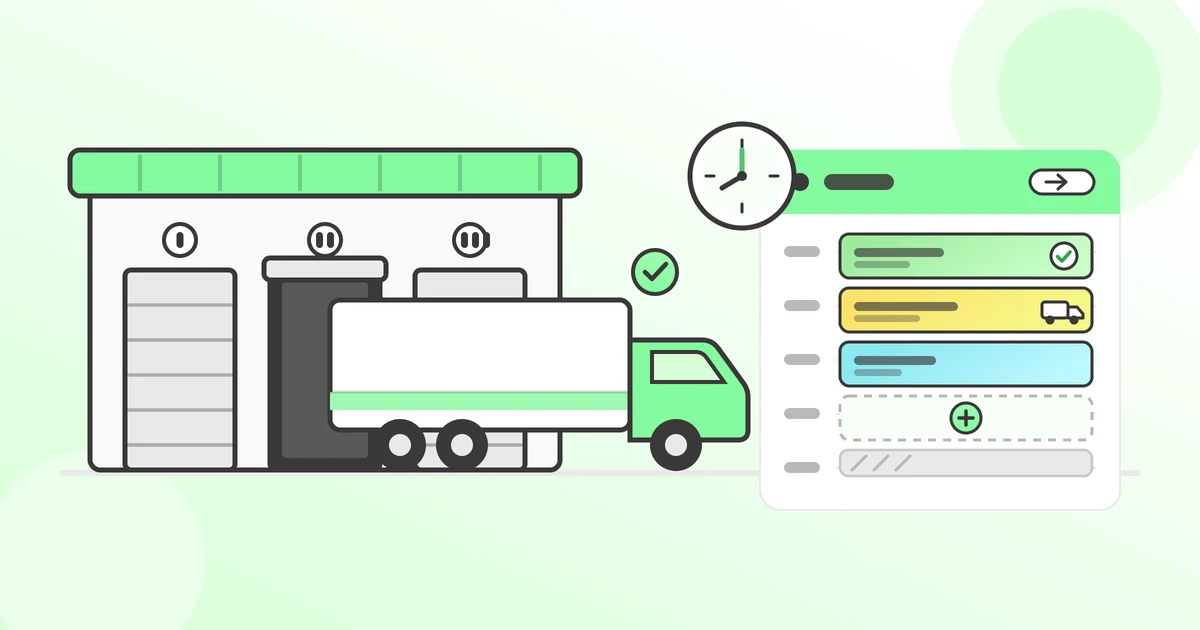
Dock scheduling is the process of assigning specific time slots to inbound and outbound trucks at a warehouse's loading docks, so that arrivals match dock capacity instead of carrier convenience. Done manually, it runs on phone calls, emails, and a shared spreadsheet. Done with software, carriers book their own slots from a live calendar and the warehouse sees exactly what's coming, when, and at which door.
The stakes are bigger than most warehouses realize. According to the American Transportation Research Institute's 2024 detention study, drivers were detained at 39.3% of stops in 2023, and detention cost the U.S. trucking industry $15.1 billion that year[1]. Most of that time and money is lost at loading docks that don't schedule.
This guide explains how the dock scheduling process works step by step, what unscheduled docks actually cost, how dock scheduling differs from yard management, and when it makes sense to move from spreadsheets to software.
How does the dock scheduling process work?
Dock scheduling turns truck arrivals into appointments: the warehouse defines its capacity once, carriers book against it, and every load follows the same trackable lifecycle. In practice the process has seven steps.
- Define docks and operating hours. Each dock door gets its own identity in the schedule: name, opening hours (say, 08:30–17:00), weekend availability, and any recurring blocks like a lunch break or a slot reserved every Monday for internal transfers.
- Set slot durations by load type. A full truckload might need a 120-minute slot; a partial load, 60; a parcel pickup, 15. Standardized durations are what make the calendar realistic instead of aspirational.
- Book the appointment. Either warehouse staff create the booking, or the carrier self-books through an online portal that shows only genuinely available slots — respecting dock hours, existing bookings, and minimum lead time. Self-booking is what removes the phone tag.
- Confirm and share details. The booking captures what the dock team needs before the truck arrives: carrier name, registration plate, direction (inbound or outbound), goods description, references, and any documents like a loading plan or CMR.
- Truck arrives and checks in. The appointment status changes from booked to arrived. The dock team already knows what's on the truck and where it goes.
- Load or unload. Status moves to in progress. Because the slot length matched the load type, the next truck isn't idling in the yard.
- Complete and record. The appointment is marked done with timestamps. Over time these records become the data for utilization reports, delay analysis, and — if a carrier disputes a detention invoice — proof of when the truck was actually at the dock.
Every appointment moving through the same lifecycle is what separates dock scheduling from simply "writing arrivals in a calendar." The structure is the point: it's what makes the schedule enforceable and the data usable.
What does poor dock scheduling cost?
Unscheduled docks cost money in four ways: driver detention fees, wasted coordination labor, congestion-driven overtime, and errors like double-bookings. Detention is the most visible and the best measured.
| Cost of unmanaged docks | Figure | Source |
|---|---|---|
| Total detention cost to U.S. trucking, 2023 | $15.1 billion ($11.5B lost productivity + $3.6B direct expense) | ATRI, 2024 detention study[1] |
| Share of stops where drivers were detained | 39.3% | ATRI, 2024 detention study[1] |
| Driver hours lost to detention annually | 135+ million (for-hire trucking) | ATRI, 2024 detention study[1] |
| Carriers that bill detention fees | 94.5% — but fewer than half of those invoices get paid | ATRI, 2024 detention study[1] |
| Typical detention fee | $50–$100 per hour after a standard 2-hour free window | 2026 freight industry source[2] |
| Annual driver income lost to detention | $1.2 billion | U.S. Department of Transportation, via Inbound Logistics[3] |
Two things in that table deserve a closer look.
First, the unpaid-invoice figure. The OOIDA Foundation's 2023 detention time survey found that only 49% of drivers always attempt to bill for detention time, and 12% never try[4]. Detention that isn't invoiced doesn't disappear — carriers absorb it and price it into future rates, or they quietly deprioritize the facilities that waste their time. A dock known for two-hour waits pays for it in higher quotes and worse service during tight capacity, even if no detention invoice ever arrives.
Second, detention is only the measured part. The daily coordination labor is harder to see on an invoice but just as real: a mid-size facility handling 20–50 trucks a day burns hours on confirmation calls, spreadsheet updates, and rework every time a plan changes. If you want to put a number on your own operation, our dock scheduling ROI calculator walks through the cost categories with documented assumptions.
Better try it out yourself. No commitment.
Start Your Free Trial14-day free trial. No credit card required.
Can you do dock scheduling without software?
Yes — and many warehouses do, using spreadsheets, whiteboards, or shared calendars. Manual scheduling works reasonably well at low volume: a handful of trucks a day, one person who owns the schedule, carriers who rarely change plans.
It breaks down predictably as volume grows. A spreadsheet can't stop two people from booking the same slot, can't show a carrier what's available without a phone call, and can't produce timestamps when a detention dispute lands on your desk. The failure isn't dramatic; it's a slow accumulation of double-bookings, "who moved my row" arguments, and mid-afternoon truck waves that nobody planned.
| Manual (spreadsheet / whiteboard) | Dock scheduling software | |
|---|---|---|
| Carrier booking | Phone or email, staff enter it | Carriers self-book online, 24/7 |
| Double-bookings | Possible; caught by luck | Blocked; calendar is live |
| Visibility | Whoever has the file open | Whole team, real time |
| Schedule rules (hours, lead times, slot lengths) | Enforced by memory | Enforced automatically |
| Arrival/departure records | Rarely kept | Timestamped on every load |
| Reporting | Manual, if ever | Built-in utilization and delay data |
If you're not sure which side of that line your operation is on, this self-assessment for dock scheduling software walks through the deciding questions, and here are the five signs a warehouse has outgrown whiteboard scheduling.
What's the difference between dock scheduling and yard management?
Dock scheduling manages truck appointments at your loading docks; yard management tracks and controls trailer movements across your entire yard, from the gate to the dock and back out. They solve different problems at very different price points. Most small and mid-size warehouses need dock scheduling long before they need a yard management system — especially operations running live loads with 2–25 dock doors, where there are no trailers parked in the yard to manage.
The full breakdown, including where the two systems overlap and how they integrate, is in our dock scheduling vs yard management comparison.
Who uses dock scheduling?
Any facility where trucks arrive to load or unload benefits from scheduling, but four industries rely on it most.
- Manufacturing — coordinating raw material deliveries and finished goods pickups across production-site docks, where a late inbound truck can stall a line. See dock scheduling for manufacturing.
- Wholesale and distribution — high-volume inbound and outbound flows with tight turnaround times and OTIF penalties from retail customers. See dock scheduling for wholesale and distribution.
- Logistics and 3PL — multiple clients sharing one set of docks, each with SLAs that require timestamped proof of performance. See dock scheduling for 3PLs.
- Food and beverage — temperature-sensitive loads where a truck idling in the yard is a compliance risk, not just a cost. See dock scheduling for food and beverage.
The common thread is coordination pressure: multiple carriers, multiple docks, and a schedule that changes daily.
What should a dock scheduling system include?
At minimum, a dock scheduling system needs a shared live calendar, carrier self-booking, and automatic enforcement of your scheduling rules. The full checklist most warehouses evaluate against:
- Carrier self-booking portal — carriers see open slots and book without calling. This single feature removes most of the daily coordination work. (How a carrier booking portal works.)
- Live calendar with dock-level views — day and week views per dock, visible to the whole team, updating in real time so double-booking is impossible.
- Configurable scheduling rules — operating hours per dock, time slot lengths by load type, minimum booking lead time, and blocked periods for breaks or internal work.
- Status tracking — booked, arrived, in progress, done — with timestamps on every change.
- Notifications — the dock team hears about new bookings and changes automatically, not through forwarded emails.
- Documents on the appointment — loading plans, CMRs, and delivery notes attached where the dock team will actually look.
- Reporting — dock utilization, busiest hours, and delay patterns, exportable for analysis.
- Integrations — an API or a direct TMS integration so appointment data flows to and from the systems that plan the freight.
If you're at the stage of comparing tools rather than defining requirements, our roundup of dock scheduling software for small and mid-size warehouses compares the main options on pricing and implementation speed.
How long does it take to implement dock scheduling?
Anywhere from five minutes to several weeks, depending on the tool. Self-serve systems let you create an account, add your docks and operating hours, and take the first booking the same day. Enterprise platforms typically involve a demo, a guided configuration phase, and a scheduled go-live — often days to weeks.
The implementation question matters more than buyers expect, because adoption is the real risk. A schedule only works if the dock team and the carriers actually use it, and both adopt faster when the system is simple. Estonian robotics manufacturer Cleveron replaced whiteboards with touchscreen dock calendars connected to their transport management system; their COO Ott Pabut put the result simply:

The full Cleveron story covers how the rollout worked, and the step-by-step setup guide shows what configuring docks, roles, and a carrier portal actually involves.
Sources
- American Transportation Research Institute (ATRI), "New Research Documents Substantial Financial and Safety Impacts from Truck Driver Detention," September 2024 — primary source for the 39.3% detention rate, 135+ million hours lost, 94.5% of fleets charging detention with fewer than half of invoices paid, and the $3.6B direct + $11.5B productivity ($15.1B total) 2023 cost figures.
- FleetWorks, "Detention Fees in Trucking," 2026 — detention rates of $50–$100/hour after free time.
- Inbound Logistics, "Understanding the Impact of Truck Driver Detention," September 2024 — U.S. DOT figure of $1.2 billion/year in driver income lost to detention.
- OOIDA Foundation, 2023 Detention Time Survey (PDF), February 2024 — 49% of respondents always attempt to receive detention compensation; 12% never attempt.
Frequently asked questions
You might also like
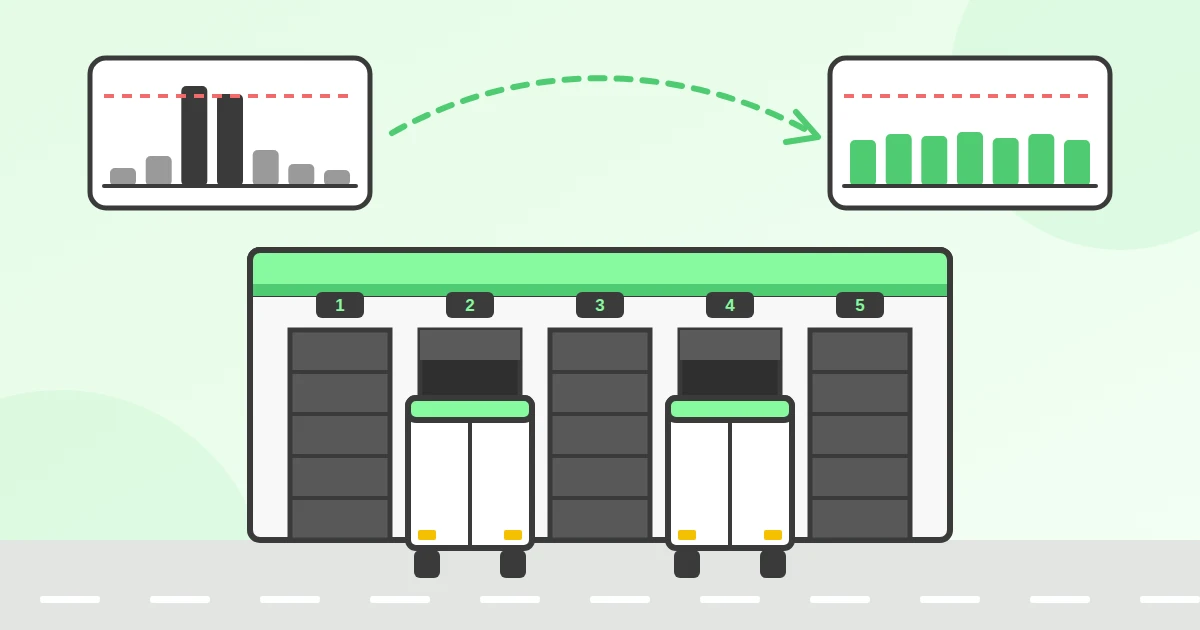
Work out how many loading dock doors you need: the dock planning formula, a free calculator, peak-hour sizing and a queueing table for buffer doors.
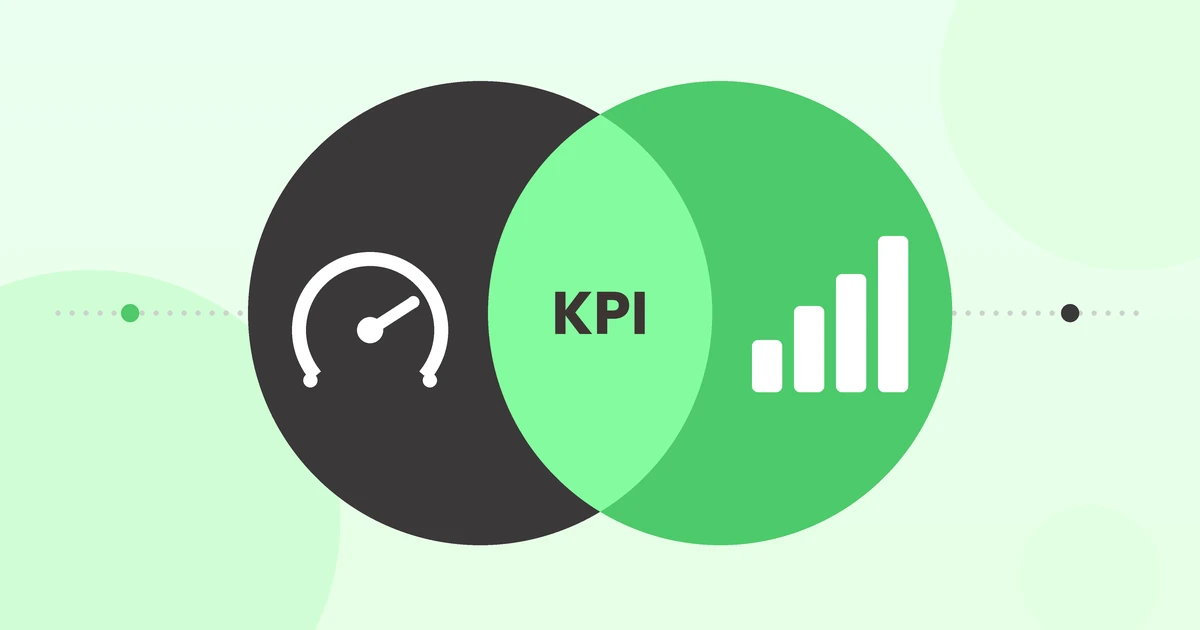
The four dock scheduling KPIs that matter: dock utilization rate, truck dwell time, on-time arrival rate and no-show rate. Formulas, a worked example and honest benchmarks.

OTIF (On Time In Full) is the share of orders delivered complete and within the agreed window. Formula, worked example, benchmarks and how to measure it.
Ready for simpler warehouse scheduling?
Join warehouse teams across the world that replaced spreadsheets and phone calls with simple dock appointment scheduling software.
Start My Free Trial 14-day free trial · No credit card required · Cancel anytime